Open-source Mac maintenance
Find the cause.Get back to your Mac.
Inspect system activity, find large files, and review cleanup items. Everyday Mac maintenance in one place, with scans and actions running locally.
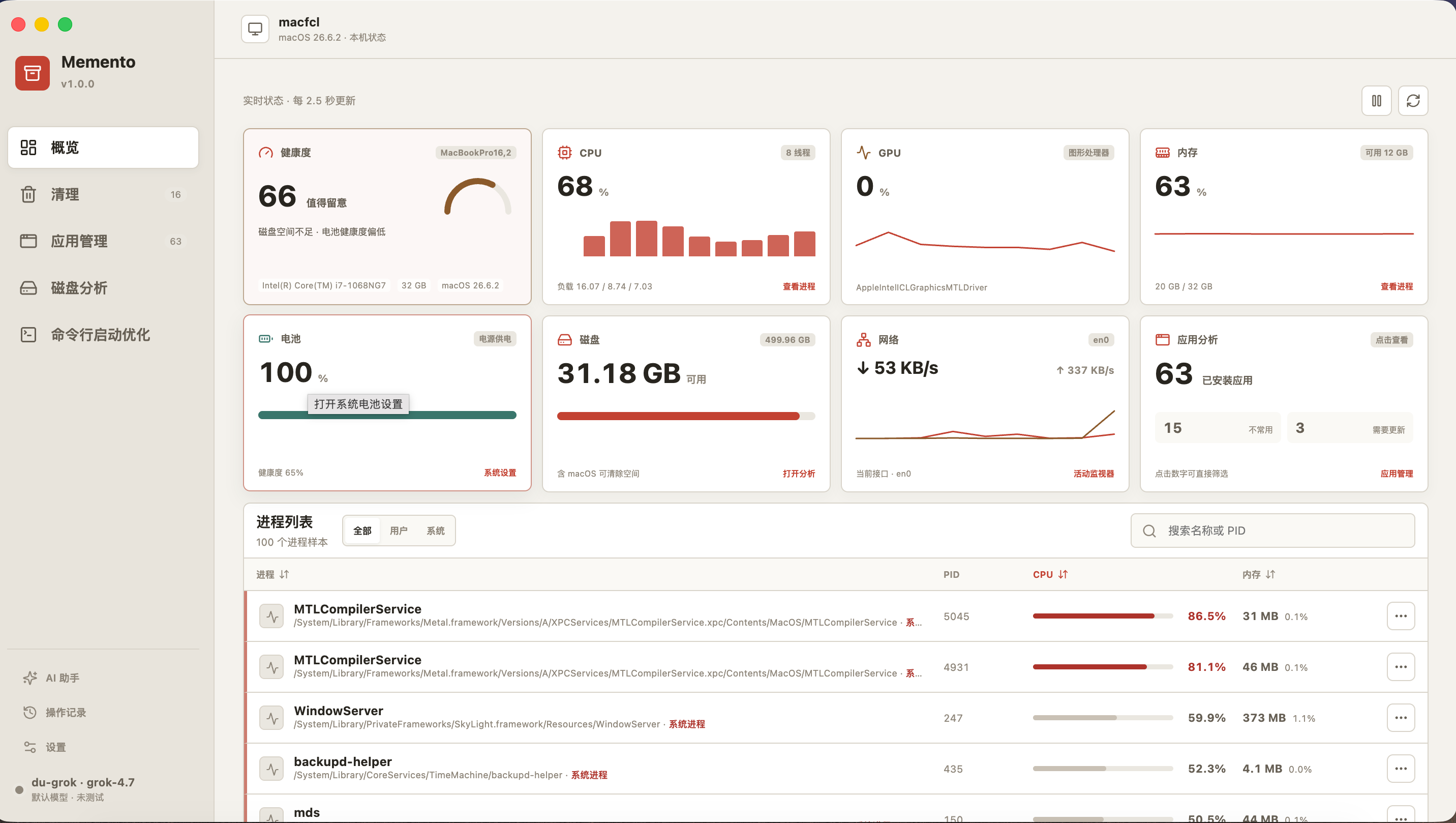
Screenshots show Chinese. English is available in Settings.
Everyday problems
Find what needs attention.
What is using your CPU?
See system activity alongside running processes. Find the busy process, check what it does, then decide whether it needs to quit.
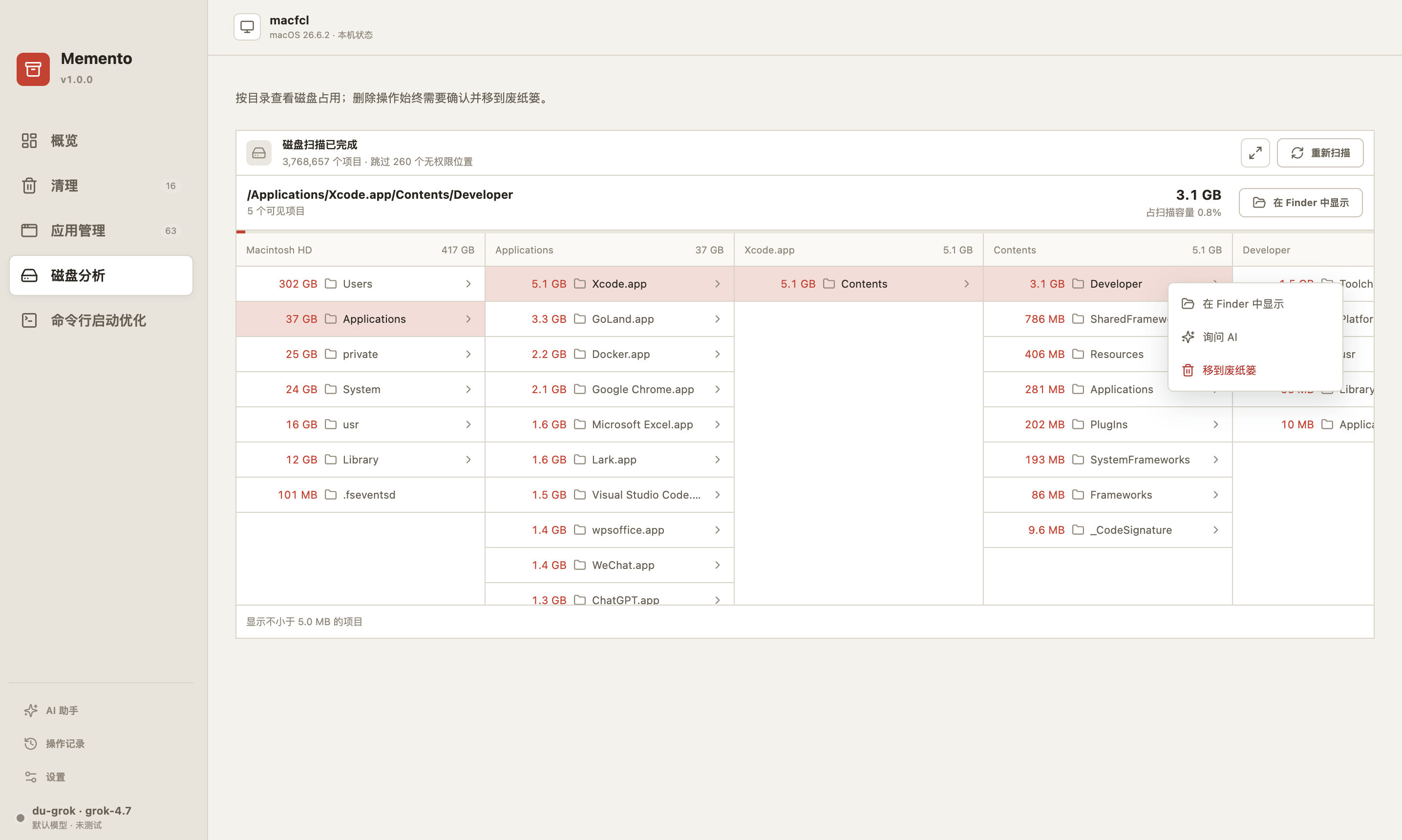
Where did the space go?
Follow disk usage through folders and check files in Finder. A large file is not always clutter. Review its purpose before taking action.
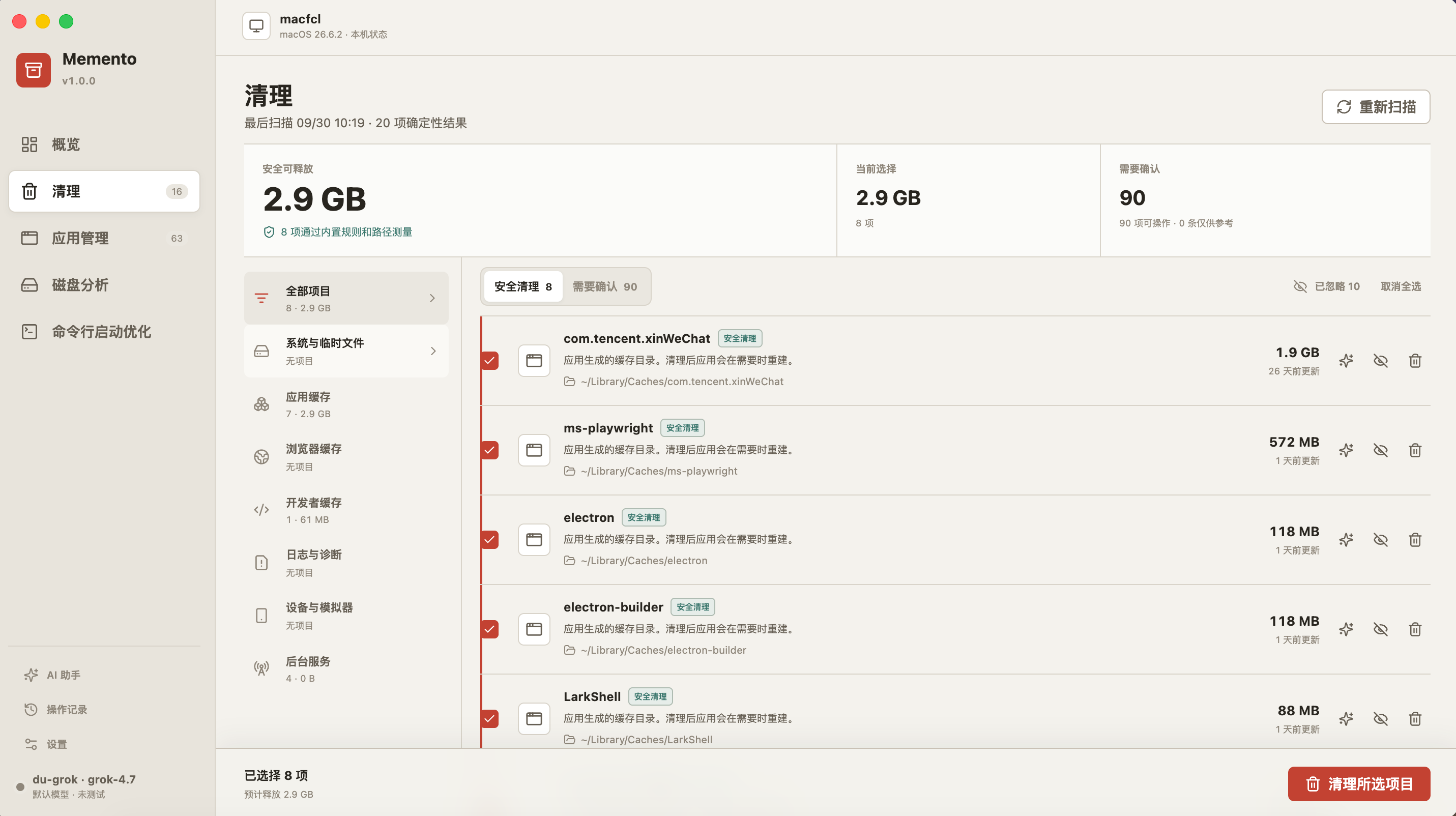
Know what you are removing.
Inspect caches, logs, and developer data by source. Review selections and effects before cleanup, or check apps you no longer use.
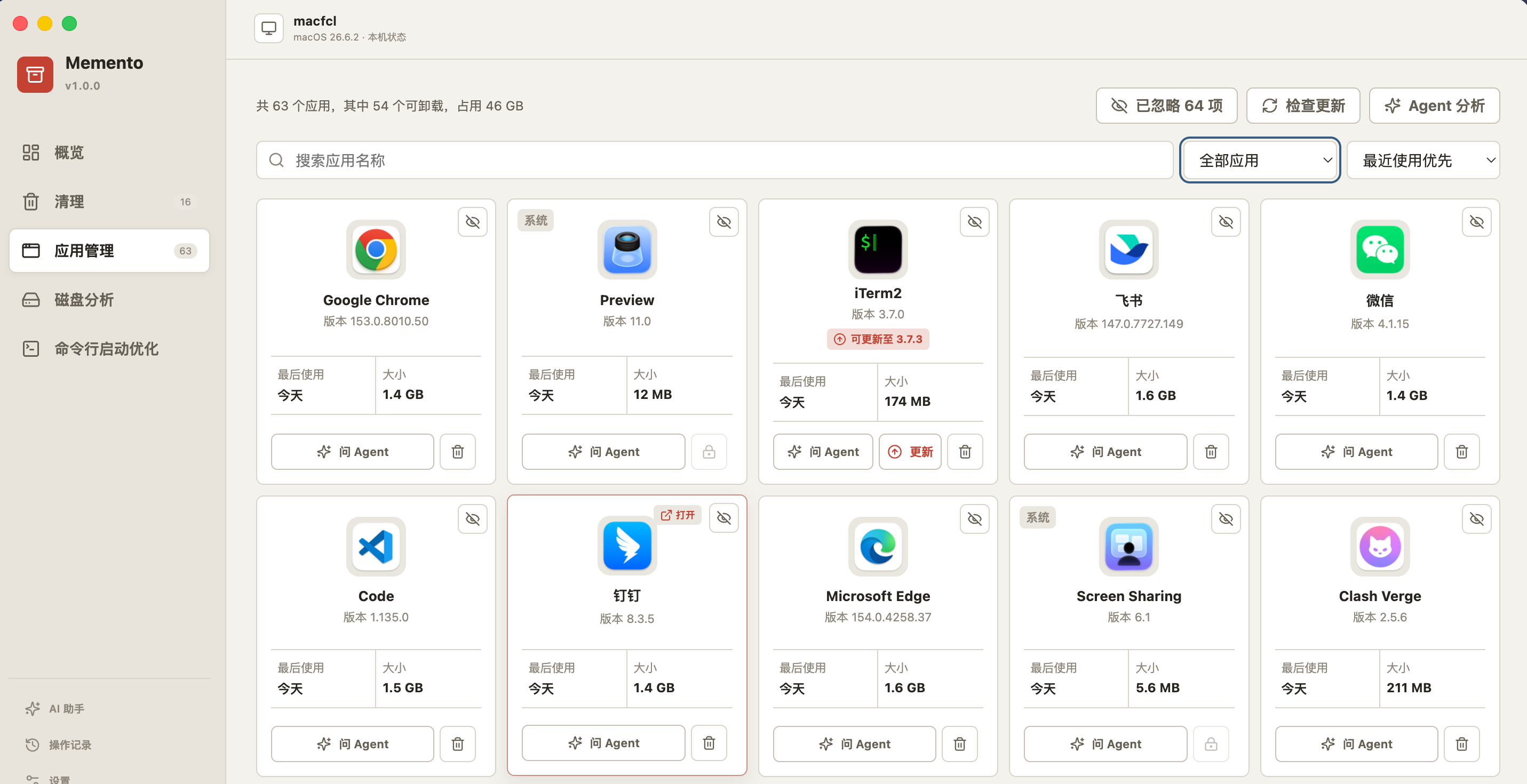
Also check app updates, review unused apps, and investigate terminal startup. Read the terminal guide
Optional AI assistant
A closer look.When you need one.
What does this process do? Why does the terminal start slowly? Connect your own model provider when you want an explanation based on your scan results.
Scanning works without AI. Requested analysis sends relevant context to your chosen provider. You still confirm actions.
Understand local data & AI requests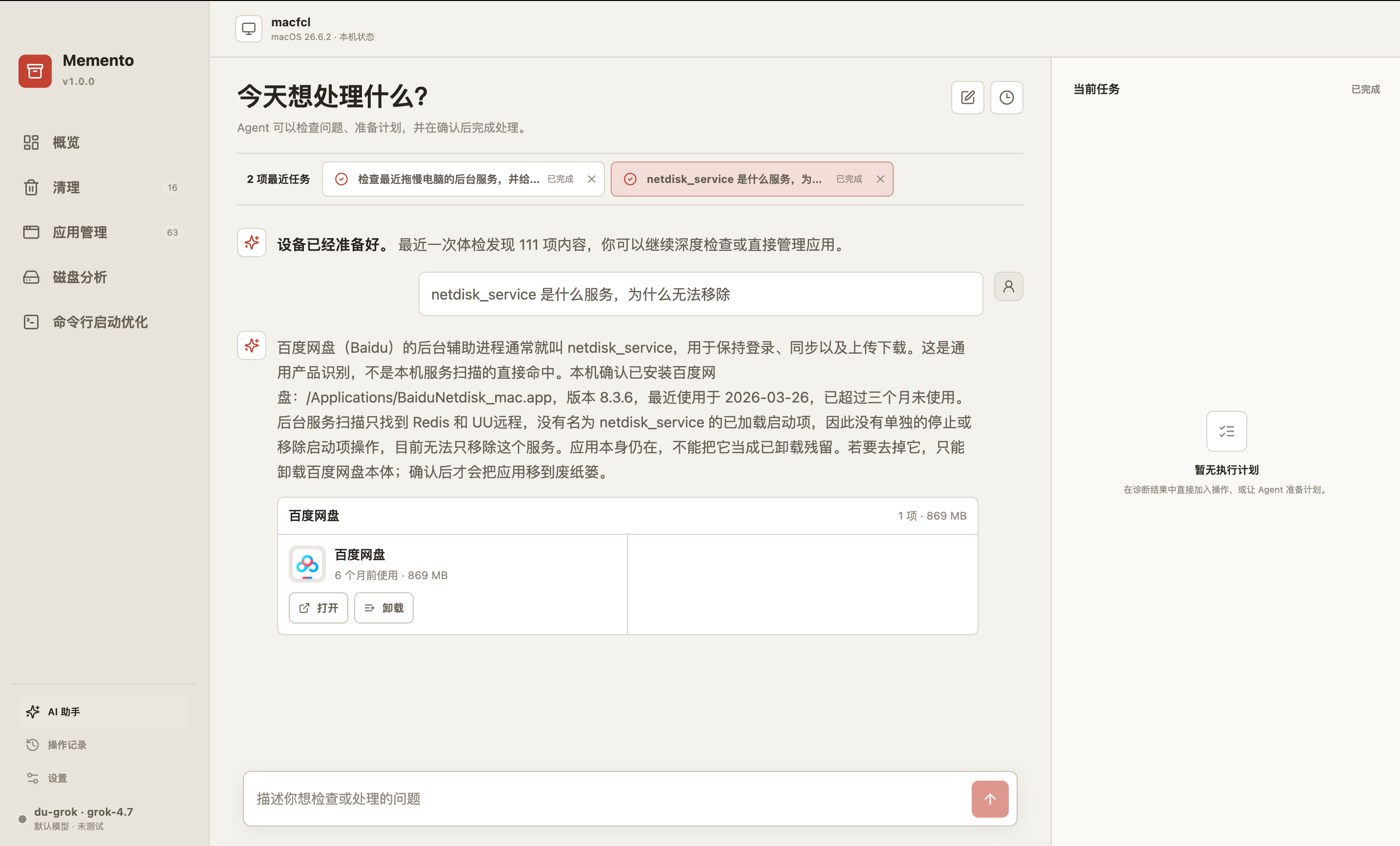
Practical guides
Start with a specific problem.
Get started
Scan first.Choose what comes next.
Choose the build for your Mac. System monitoring, disk analysis, and direct cleanup work without AI.
Installation & system requirements Memento Latest release · macOS 12+ · Optional AI